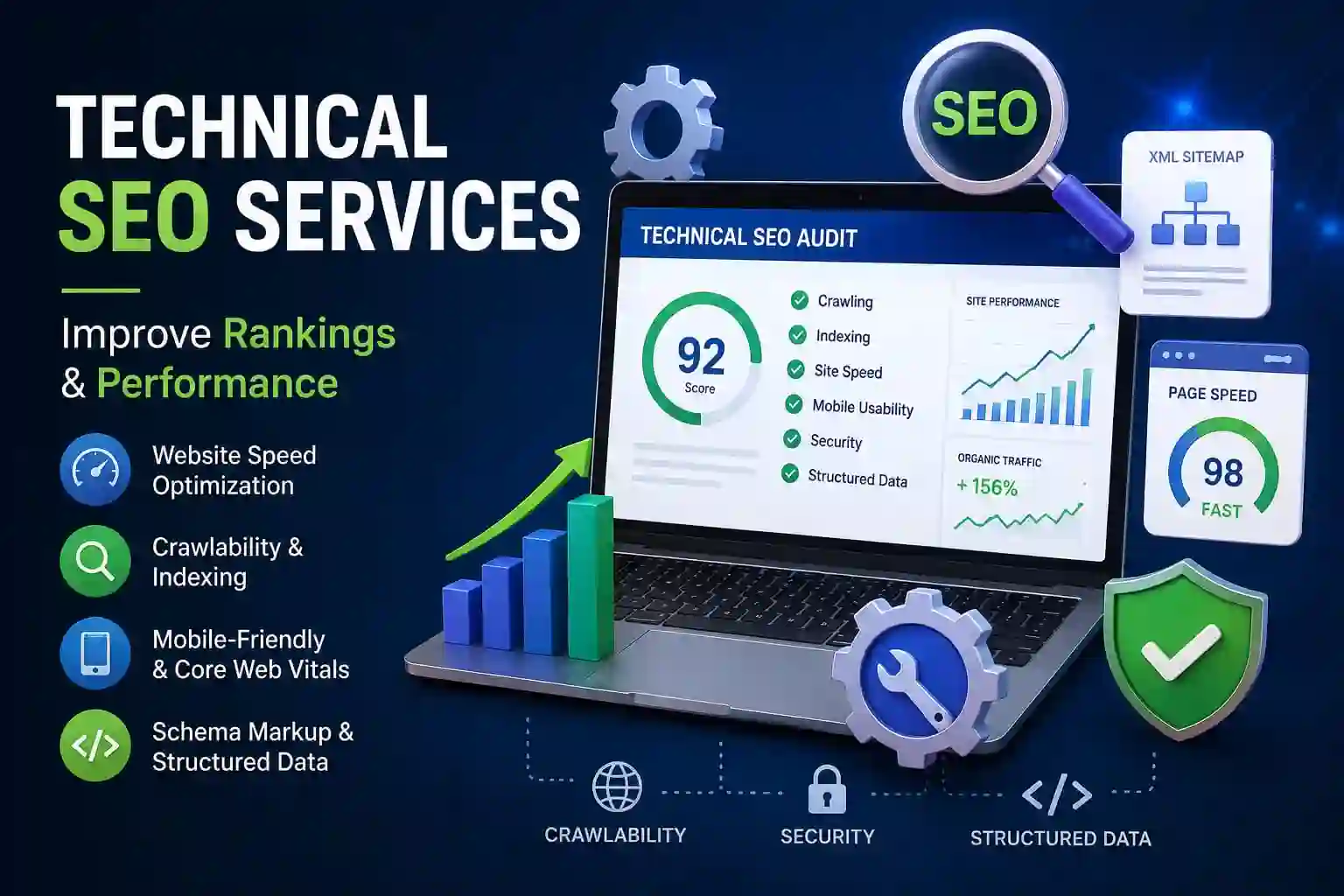
Technical SEO Services: Improve Ranking & Performance
If you’ve created high-quality content but your website still struggles to rank on Google, the problem may not be your content-it could be your website’s technical foundation. This is where technical SEO services for better rankings become essential.
It focuses on improving your website’s structure, speed, crawlability, and indexability so search engines can understand and rank your pages more effectively. While on-page SEO optimizes content and off-page SEO builds authority, technical SEO ensures your website performs at its best behind the scenes.
In this guide, you’ll learn how to boost your website’s performance and search rankings. Whether you run a personal blog, a business website, or an e-commerce store, these practices will help you build a strong SEO foundation.
What Are Technical SEO Services?
Technical SEO services involve optimizing the technical aspects of a website so search engines can crawl, index, and rank its pages efficiently. Unlike content optimization, technical SEO focuses on improving website performance, structure, security, and user experience.
A well-optimized website loads quickly, works smoothly on mobile devices, has a secure HTTPS connection, and allows search engine bots to access every important page without errors.
Why Technical SEO Matters
Many website owners spend hours writing articles but overlook the technical issues that prevent those pages from ranking.
Imagine publishing an excellent blog post, but Google cannot crawl or index it properly. In that situation, even the best content may never appear in search results.
Technical SEO helps by:
- Improving website crawlability
- Helping search engines discover new pages faster
- Increasing website speed
- Enhancing user experience
- Reducing indexing errors
- Supporting higher Google rankings
A technically optimized website also builds trust with both search engines and visitors. Faster-loading pages, secure browsing, and a mobile-friendly design encourage users to stay longer, reducing bounce rates and improving engagement.
Technical SEO Checklist for Beginners
If you’re new to SEO, this beginner’s checklist will help you optimize your website step by step.
1. Secure Your Website
Use HTTPS instead of HTTP. Google considers HTTPS a ranking signal, and users trust secure websites more.
2. Improve Website Speed
Fast-loading websites provide a better experience and improve rankings. Compress images, enable browser caching, and reduce unnecessary code to improve website speed optimization for SEO.
3. Make Your Website Mobile-Friendly
Since Google uses mobile-first indexing, your website should display perfectly on smartphones and tablets. A responsive design is essential for mobile-friendly website SEO.
4. Submit an XML Sitemap
An XML sitemap helps search engines discover important pages quickly. Regular XML sitemap optimization for SEO ensures new content is crawled efficiently.
5. Optimize Your Robots.txt File
Your robots.txt file tells search engines which pages they can or cannot crawl. Learning how to optimize robots.txt for SEO prevents important pages from being blocked accidentally.
6. Fix Broken Links
Broken links create a poor user experience and waste crawl budget. Regularly check your website for 404 errors and repair or redirect them.
7. Resolve Website Indexing Issues
If your pages are not appearing in Google search results, investigate how to fix website indexing issues using Google Search Console. Ensure valuable pages are indexable and free from technical errors.
8. Use Canonical Tags
Duplicate content can confuse search engines. Following canonical tags helps Google identify the preferred version of a page and consolidate ranking signals.
9. Add Structured Data
Implementing structured data helps search engines understand your content and may increase the chances of earning rich results, such as FAQs, reviews, and product snippets.
10. Monitor Technical SEO Regularly
Technical SEO is not a one-time task. Regular audits help identify new issues before they affect rankings and keep your website performing at its best.
How to Improve Technical SEO
Many beginners wonder how to improve technical SEO without making complicated changes. Fortunately, improving your website’s technical SEO doesn’t have to be difficult.
Start by:
- Performing a technical SEO audit.
- Fixing technical SEO issues that affect crawling and indexing.
- Optimizing website speed for SEO.
- Improving Core Web Vitals.
- Creating and submitting an XML sitemap.
- Configuring your robots.txt file correctly.
- Adding canonical tags where needed.
- Implementing structured data.
- Making your website mobile-friendly.
- Monitoring technical performance regularly through Google Search Console.
Following these steps creates a strong technical foundation that supports long-term SEO growth.
Website Speed Optimization for SEO
Website speed is one of Google’s ranking factors. Slow-loading websites frustrate users, increase bounce rates, and reduce conversions.
Tips to improve Website Speed
- Compress large images
- Use modern image formats like WebP
- Enable browser caching
- Minify CSS, JavaScript, and HTML
- Reduce unnecessary plugins
- Use a Content Delivery Network (CDN)
- Enable Gzip or Brotli compression
- Choose fast web hosting
- Remove render-blocking resources
A faster website improves both user experience and SEO performance.
Core Web Vitals Optimization
Core Web Vitals measure real-world user experience on your website.
The three main metrics are:
Largest Contentful Paint (LCP)
Measures loading performance. Ideally, the largest visible element should load within 2.5 seconds.
Interaction to Next Paint (INP)
Measures responsiveness by tracking how quickly a page reacts to user interactions. Lower values indicate a smoother experience.
Cumulative Layout Shift (CLS)
Measures visual stability. Pages should not unexpectedly shift while users are reading or clicking
Improving these metrics can enhance user satisfaction and improve search rankings.
Mobile-Friendly Website Optimization
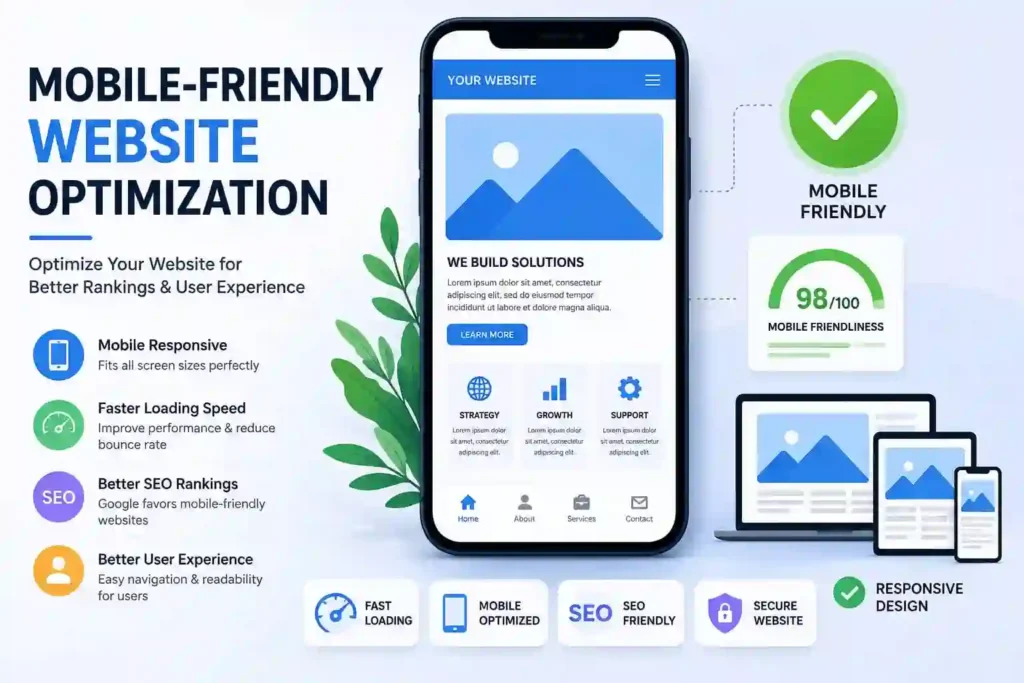
Google primarily uses the mobile version of websites for indexing and ranking. If your website isn’t mobile-friendly, it may struggle to rank well.
To optimize your site:
- Use responsive web design
- Ensure readable font sizes
- Make buttons easy to tap
- Optimize images for mobile devices
- Avoid intrusive pop-ups
- Improve mobile page speed
A mobile-friendly website creates a better experience for visitors and supports higher rankings.
HTTPS and Website Security
Website security is another important part of technical SEO. HTTPS encrypts data between your website and visitors, making browsing more secure.
Benefits of HTTPS include:
- Increased user trust
- Better data protection
- Improved SEO performance
- Browser security indicators
- support for modern web features
Always install an SSL certificate and redirect all HTTP pages to HTTPS to avoid duplicate content issues.
Technical SEO for WordPress Websites
WordPress is one of the most SEO-friendly content management systems, but it still requires proper optimization.
Here are some technical SEO tips for WordPress websites:
- Install a trusted SEO plugin such as Yoast SEO or Rank Math.
- Keep WordPress themes and plugins updated.
- Remove unused plugins.
- Generate an XML sitemap automatically.
- Optimize your permalink structure.
- Enable caching with a performance plugin.
- Use responsive themes.
- Fix broken links regularly.
- Optimize images with compression plugins.
These practices help improve your website’s performance and make it easier for search engines to crawl and index your content.
Common Technical SEO Mistakes to Avoid
Even well-designed websites can suffer from technical issues that hurt rankings.
Some common mistakes include:
- Slow page speed
- Missing XML sitemap
- Incorrect robot.txt configuration
- Broken internal links
- Duplicate content
- Missing canonical tags
- Poor mobile usability
- Redirect chains loops
- Unoptimized images
- Missing structured data
- Orphan pages
- Soft 404 errors
Fixing these issues helps search engines crawl your website more efficiently and improves the overall user experience.
Best Technical SEO Practices
To maintain a healthy website, follow these best practices:
- Run a technical SEO audit regularly.
- Monitor Google Search Console for errors.
- Improve website speed continuously.
- Optimize Core Web Vitals.
- Keep your XML sitemap updated.
- Configure robots.txt carefully.
- Use canonical tags correctly.
- Implement structured data where appropriate.
- Ensure every important page is indexable.
- Make your website responsive across all devices.
- Fix broken links promptly.
- Keep your website secure with HTTPS.
Consistently applying these practices builds a strong technical foundation that supports sustainable search engine optimization.
Conclusion
Technical SEO is the foundation of every successful website. Without a strong technical structure, even the best content may struggle to rank highly.
By understanding what technical SEO services are, following a technical SEO checklist for beginners, performing regular audits, fixing technical SEO issues, improving website crawlability, optimizing website speed, enhancing Core Web Vitals, and implementing structured data, you create a website that both users and search engines appreciate.
Technical SEO is an ongoing process rather than a one-time task. Regular monitoring, continuous improvements, and staying up to date with Google’s latest best practices will help your website maintain strong rankings and deliver an excellent user experience for years to come.
Frequently Asked Questions (FAQs)
How long does technical SEO take to show results?
Technical SEO improvements can begin showing results within a few weeks, but significant changes often take one to three months. The timeline depends on your website’s size, existing issues, and how frequently search engines crawl your pages.
How often should I perform a technical SEO audit?
Most websites should perform a technical SEO audit every three to six months. Larger websites or frequently updated websites may benefit from monthly audits.
Is website speed a Google ranking factor?
Yes. Website speed and Core Web Vitals are important ranking signals that also improve user satisfaction.
Which free tools can I use to check technical SEO?
Popular free tools include Google Search Console, Google PageSpeed Insights, Google Lighthouse, Bing Webmaster Tools, and Screaming Frog SEO Spider (free version). These tools help identify technical issues affecting your website.
What happens if technical SEO issues are ignored?
Ignoring technical SEO problems can lead to slow-loading pages, indexing errors, poor user experience, lower search rankings, and reduced organic traffic over time.